Build shift plans with keyboard shortcuts
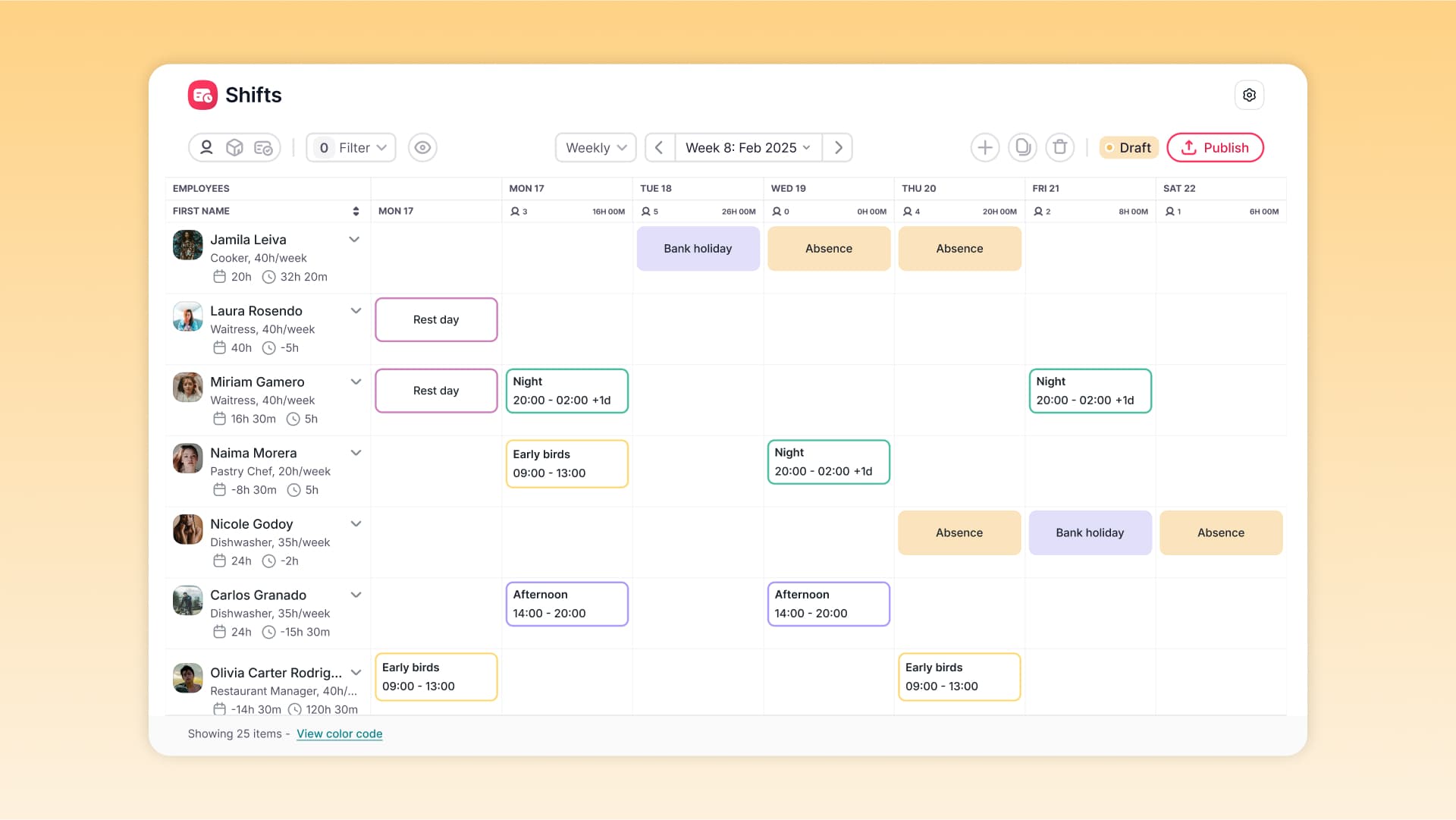
Shift Planning now gives you spreadsheet-style editing built right in: select ranges, cut and paste shifts, and delete entries with keyboard shortcuts. No more editing one cell at a time.
Building a shift schedule used to mean editing one cell at a time — slow, repetitive work that pushed teams to spreadsheets for anything complex.
Shift Planning now supports the shortcuts your team already knows:
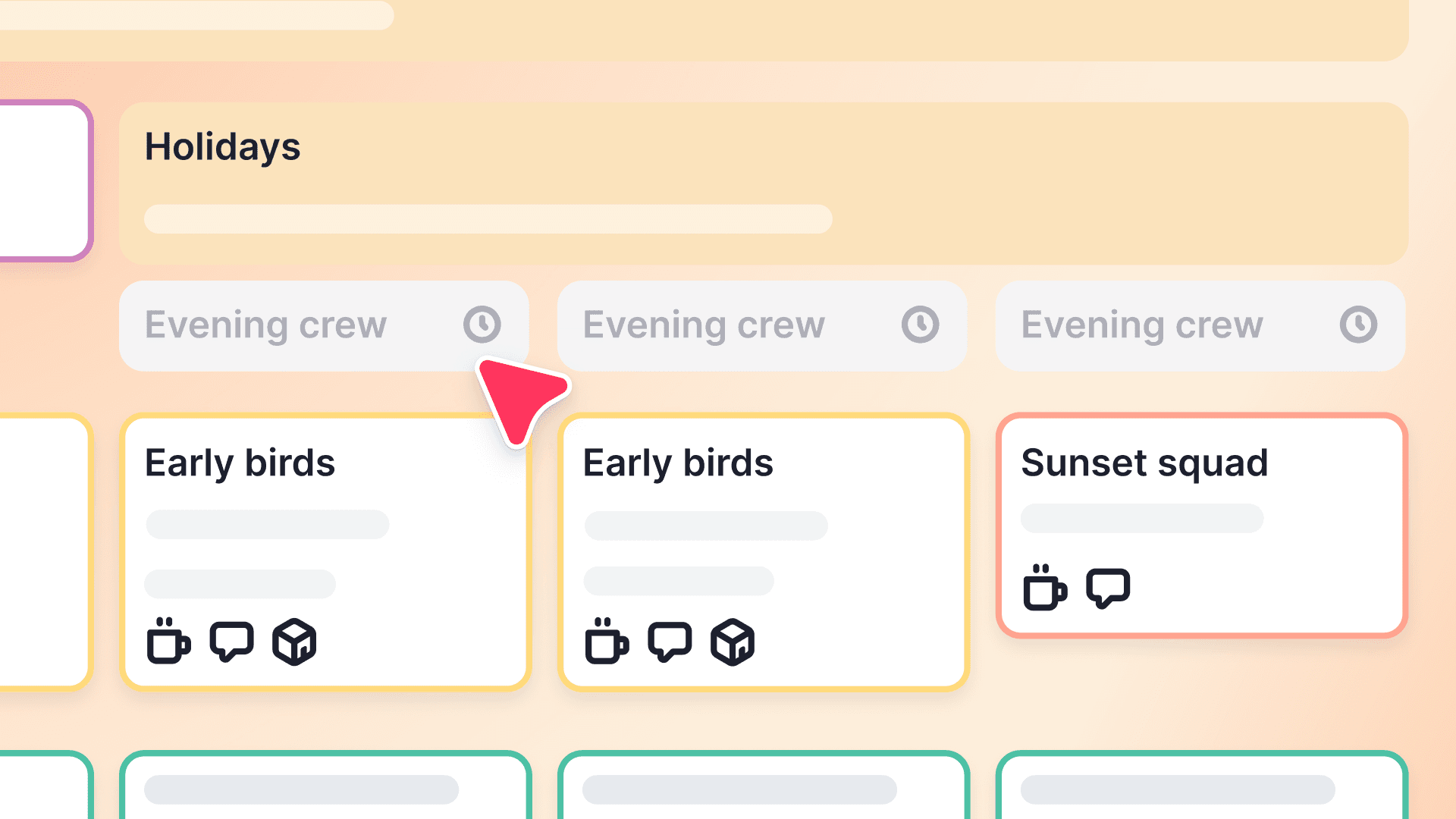
Select shifts your way. Click and Shift-click to grab a whole range, use the arrow keys to extend it, or hold Command/Control to pick individual cells, rows, or columns.
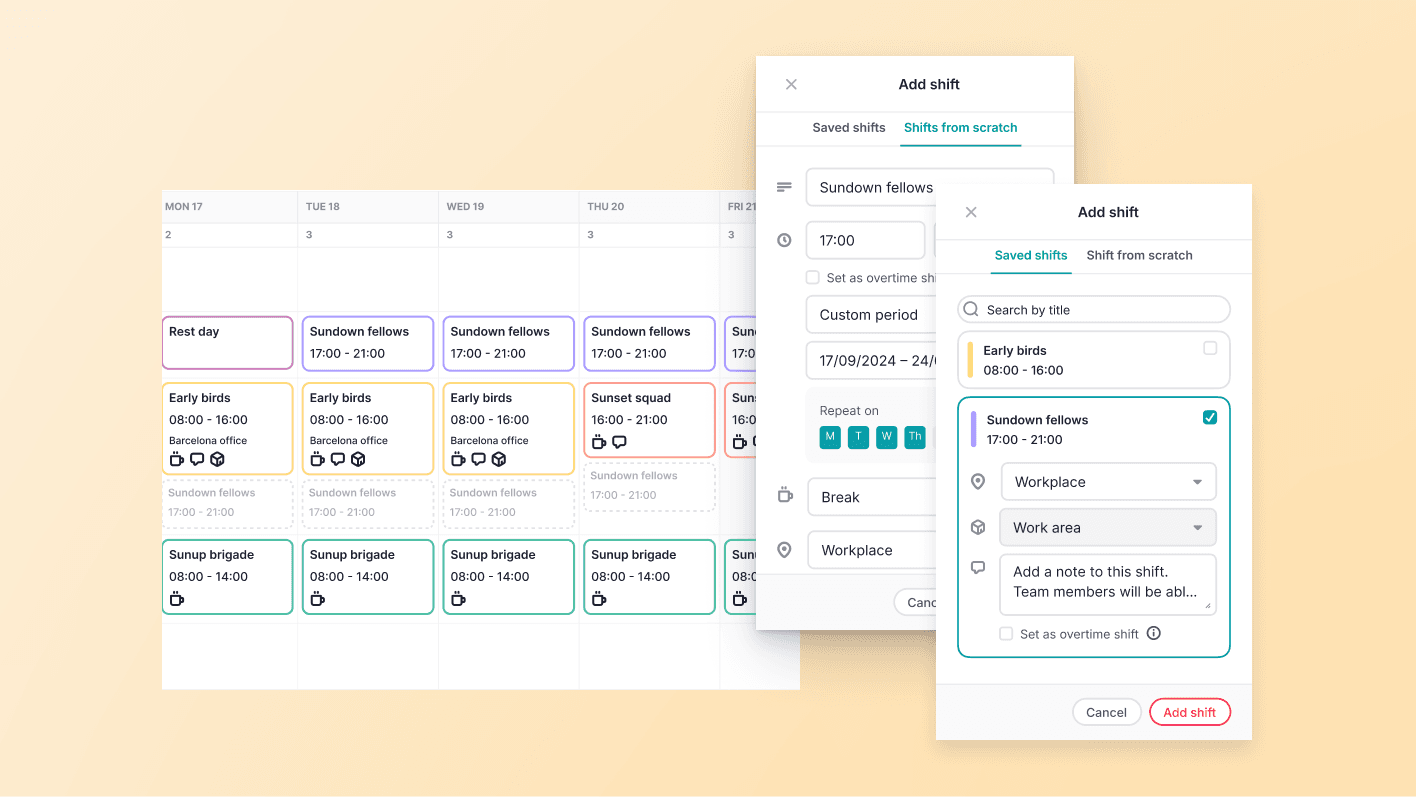
Move and edit in bulk. Cut, copy, and paste with Ctrl/Cmd+X, C, and V to duplicate shifts and rest days across the schedule, or select a range and press Backspace to clear it at once.
Right-click for the rest. Add, copy, paste, or delete straight from the menu on any selection.
Building and adjusting schedules now takes a fraction of the time — all the control of a spreadsheet, none of the exporting.