Configure rounding rules for daily hours
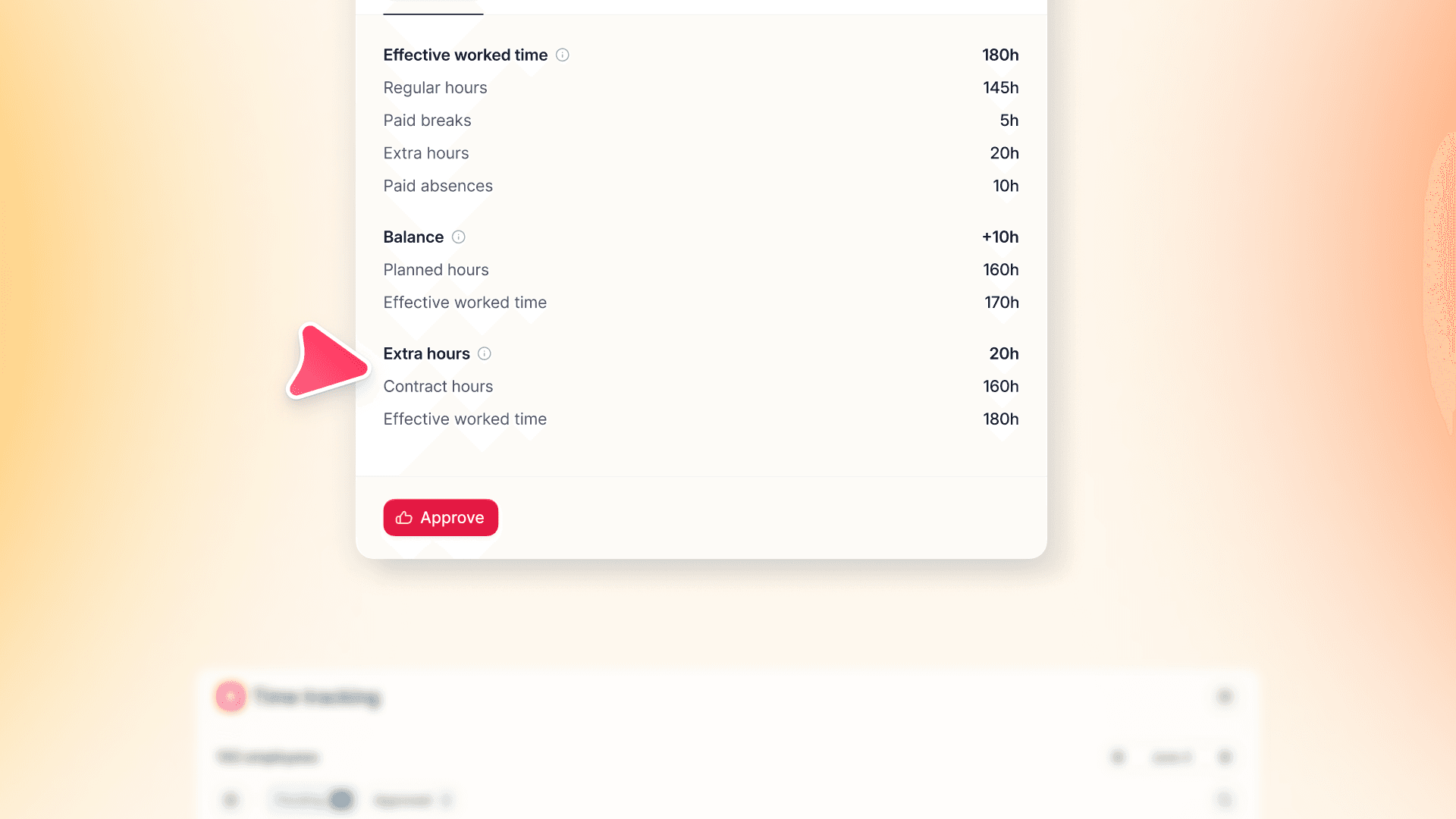
Set any rounding interval, with independent rules for over-time and under-time. Timesheets show both tracked and effective values, so every adjustment is transparent and audits are painless.
Time tracking captures every minute — rounding rules let you decide exactly how those minutes count toward daily totals. Without a system-level setting, that logic lives in manual corrections.
Now you can configure asymmetrical rounding directly in your Time Tracking Policy:
- Set the interval: define the rounding block that fits your company's policy for total daily work time.
- Apply asymmetrical logic: define independent rules for over-time and under-time — rounding works in both directions, the way your policy requires.
- Choose the method: round up, down, to nearest, or to plan — configured per rule.
- See both values: timesheets display the original tracked time alongside the effective rounded time, so every adjustment is visible.
Existing tolerance settings migrate automatically — no reconfiguration needed.