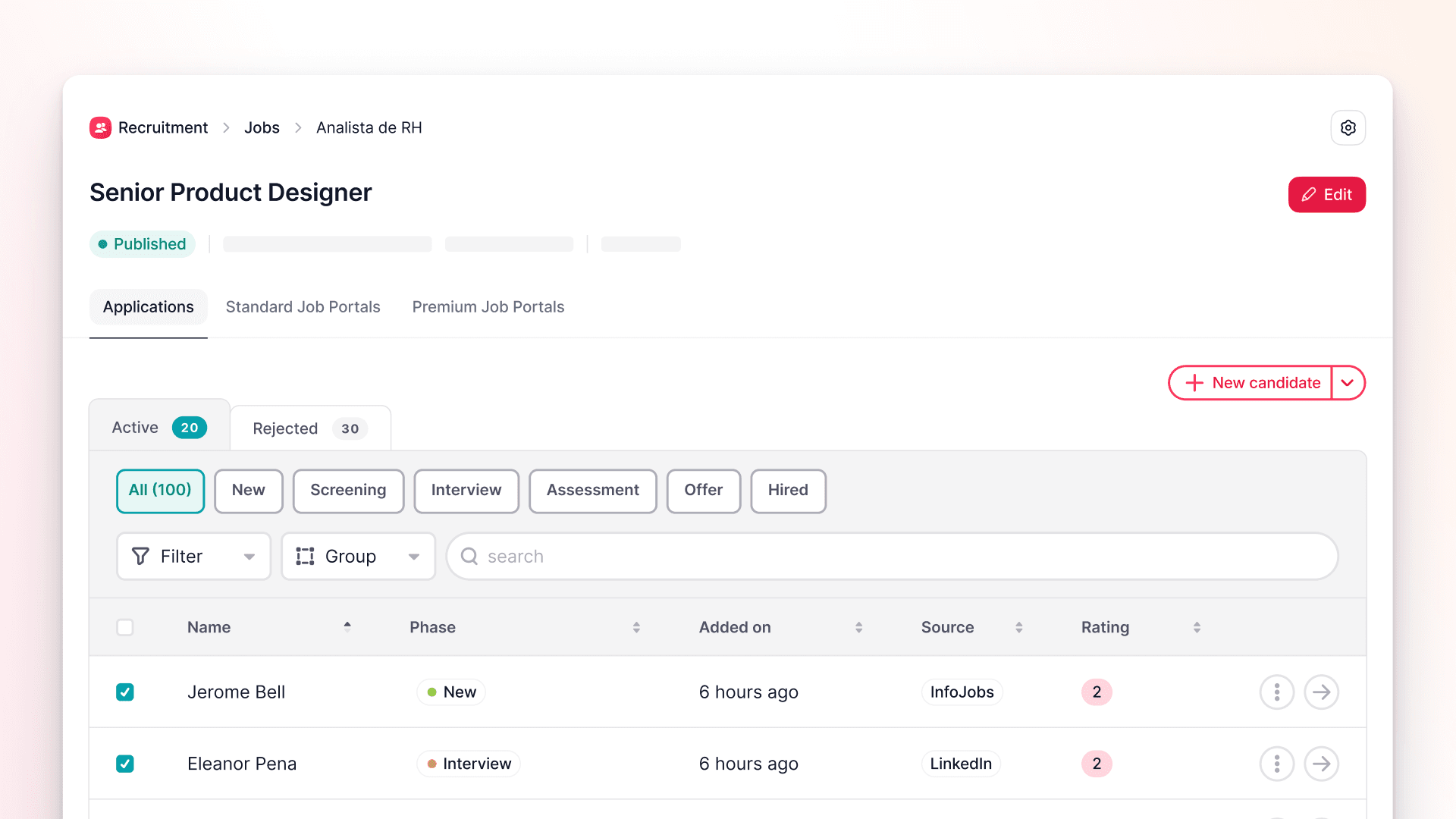
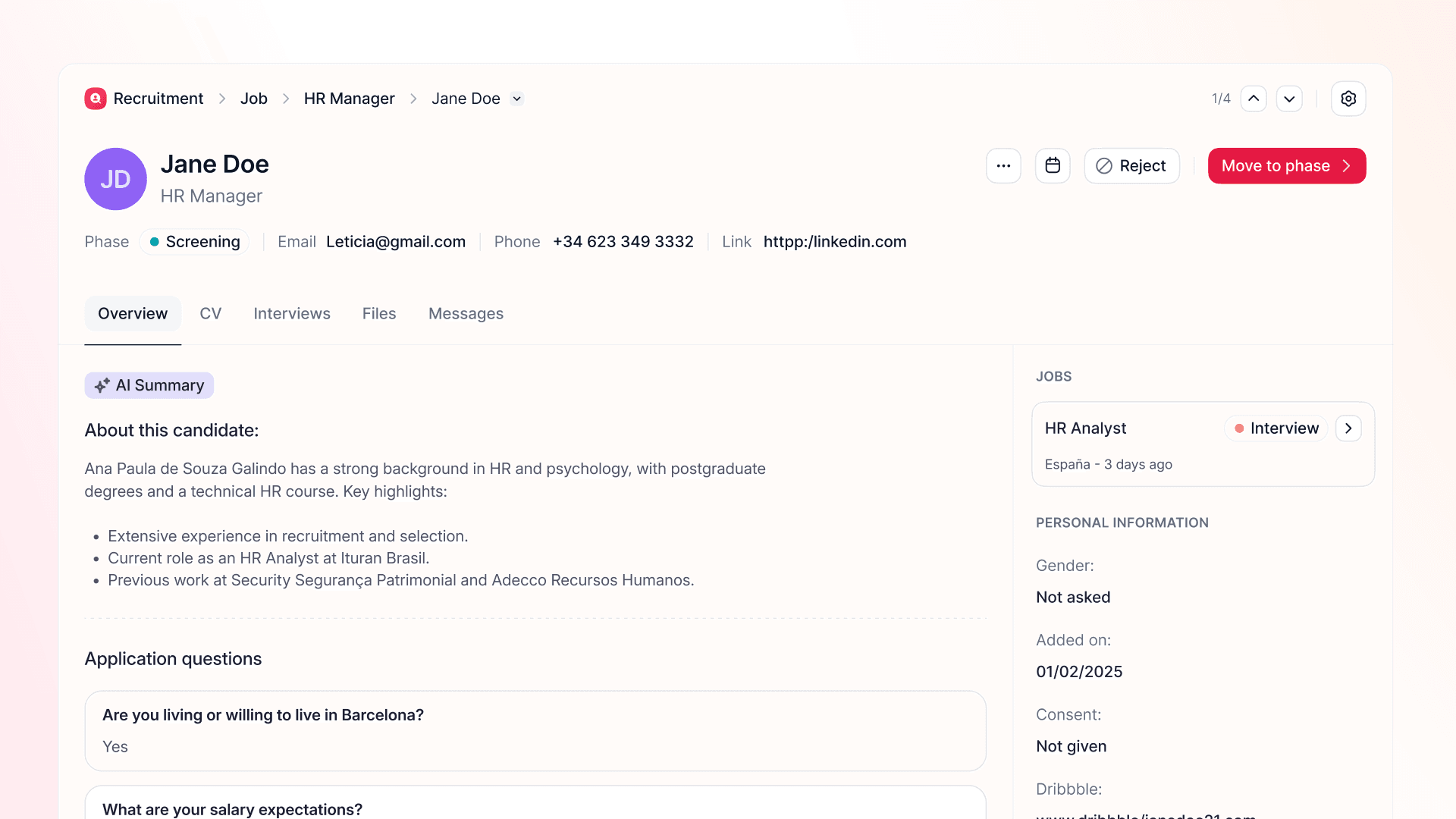
Backfill positions without lifting a finger
Ending an employee’s tenure now automatically kicks off a backfill — perfectly aligned with the relevant position and hiring strategy. No missed roles, no tedious admin.
Managing high staff turnover can be tricky, and backfilling roles often falls through the cracks. Employees leave, hiring plans go untouched, and suddenly you’re dealing with unanticipated staffing shortages and confusion about where to begin.
Now, simply terminating an employee sets an automated backfill in motion, directly linked to the correct role and hiring plan.
Here’s what’s included:
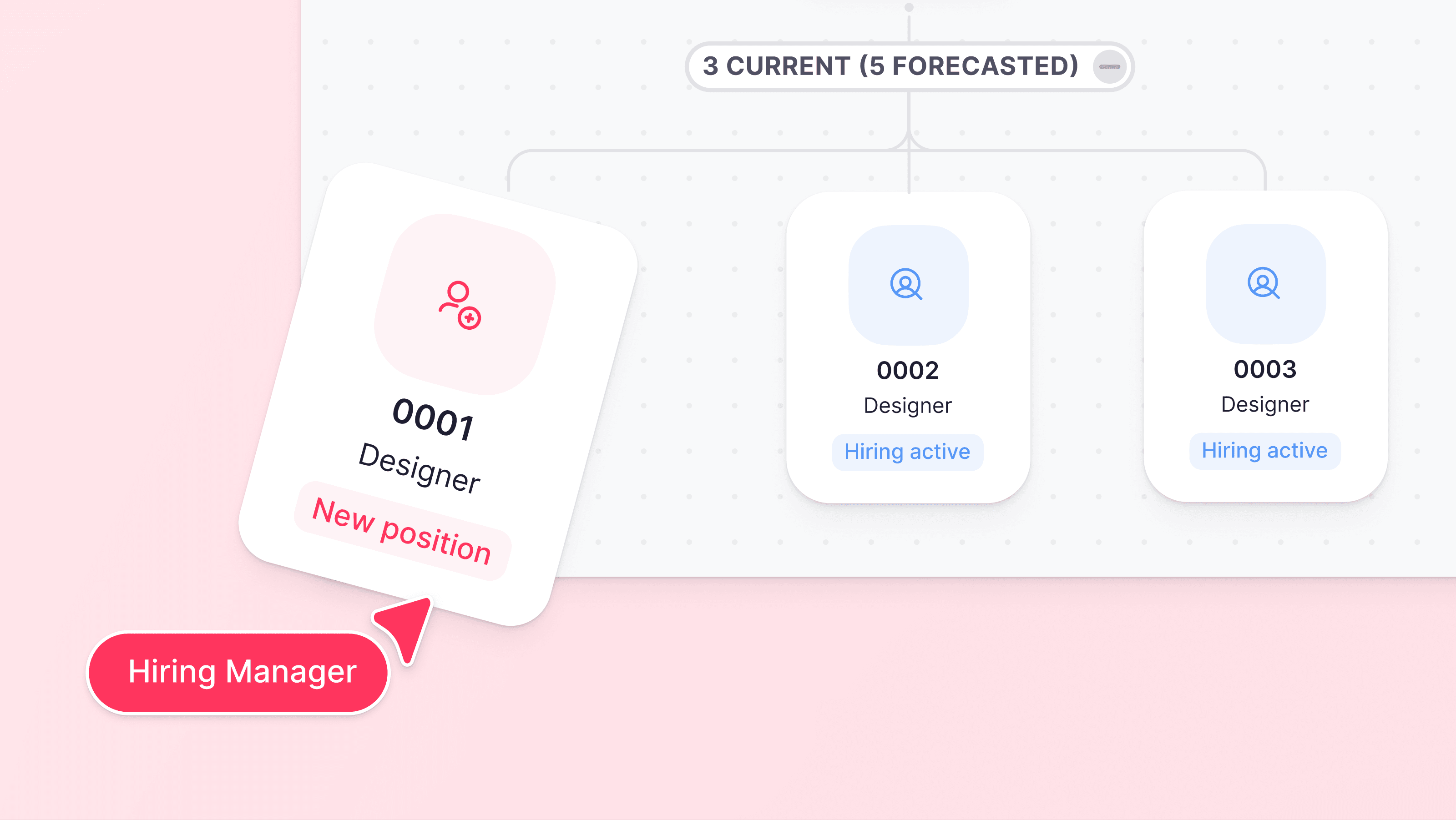
Automatic initiation — As soon as you confirm an employee’s termination, a backfill is generated and matched to the right position and strategy.
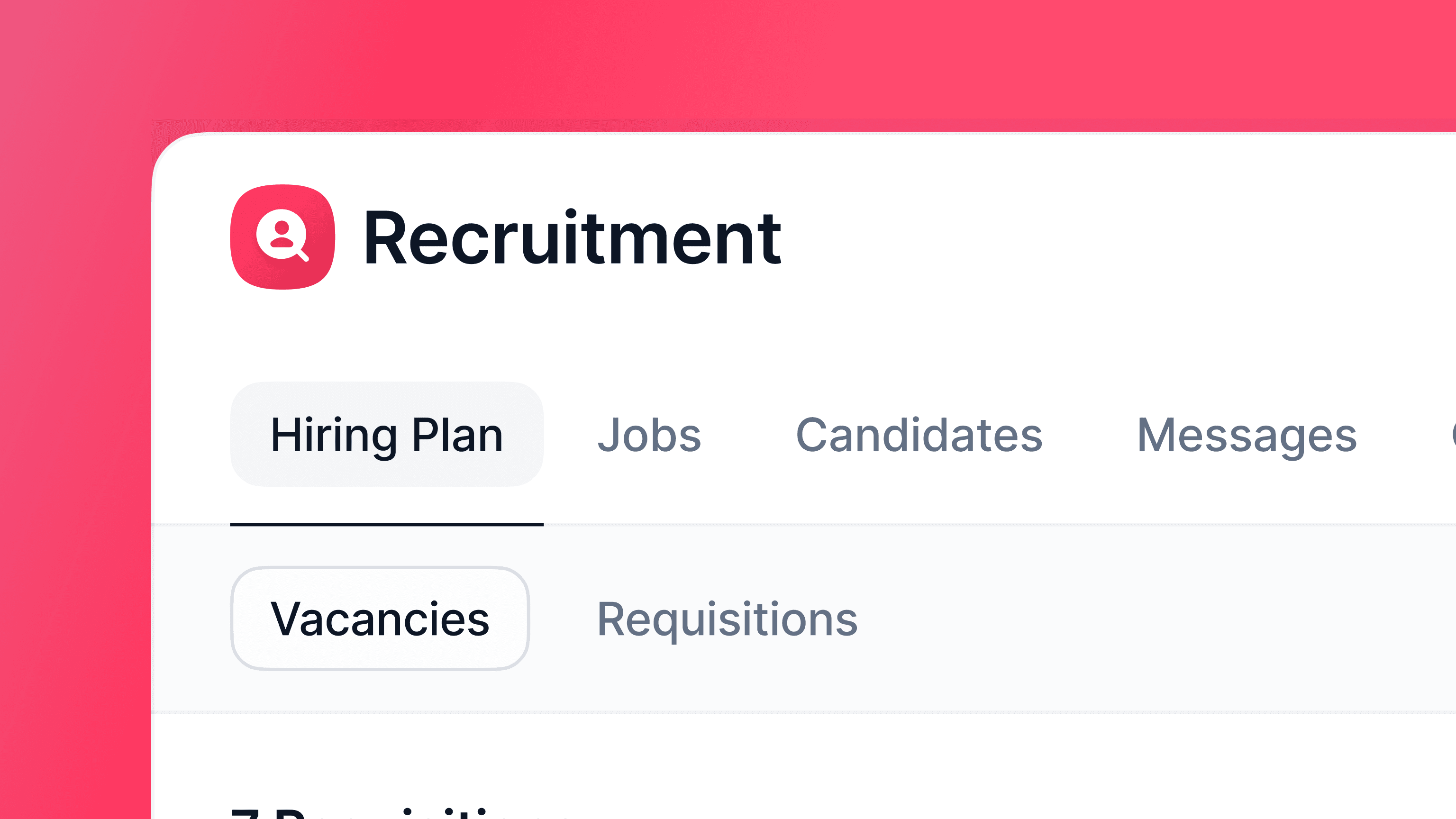
Flexible outputs — Choose to create either a vacancy (standard) or a requisition (if your company uses requisitions).
Real-time alerts — Recruiters and managers are notified immediately, ensuring no delays to the process.
To activate, head to Settings > Recruitment > Processes and enable the backfill on termination feature.
Tip: Ensure all employee data is up-to-date to smoothly generate vacancies or requisitions.