Enhance any text in one click
Get the right tone, an instant translation, and cleaner wording — all by simply clicking the Enhance button.
Writing in a second language — or finding the right tone for a performance review — can turn a quick note into a time-consuming task. You end up revising, editing, translating, or second-guessing your own words, when you could just be moving on with your day.
The new Enhance Button fixes that. It's available wherever you write in Factorial: draft your text, click Enhance, and pick what you need.
Improve clarity — sharpen your wording without losing what you meant to say.
Professional tone — apply a polished tone in one click, perfect for reviews, feedback, or candidate notes.
Instant translation — switch languages on the spot, without breaking your flow.
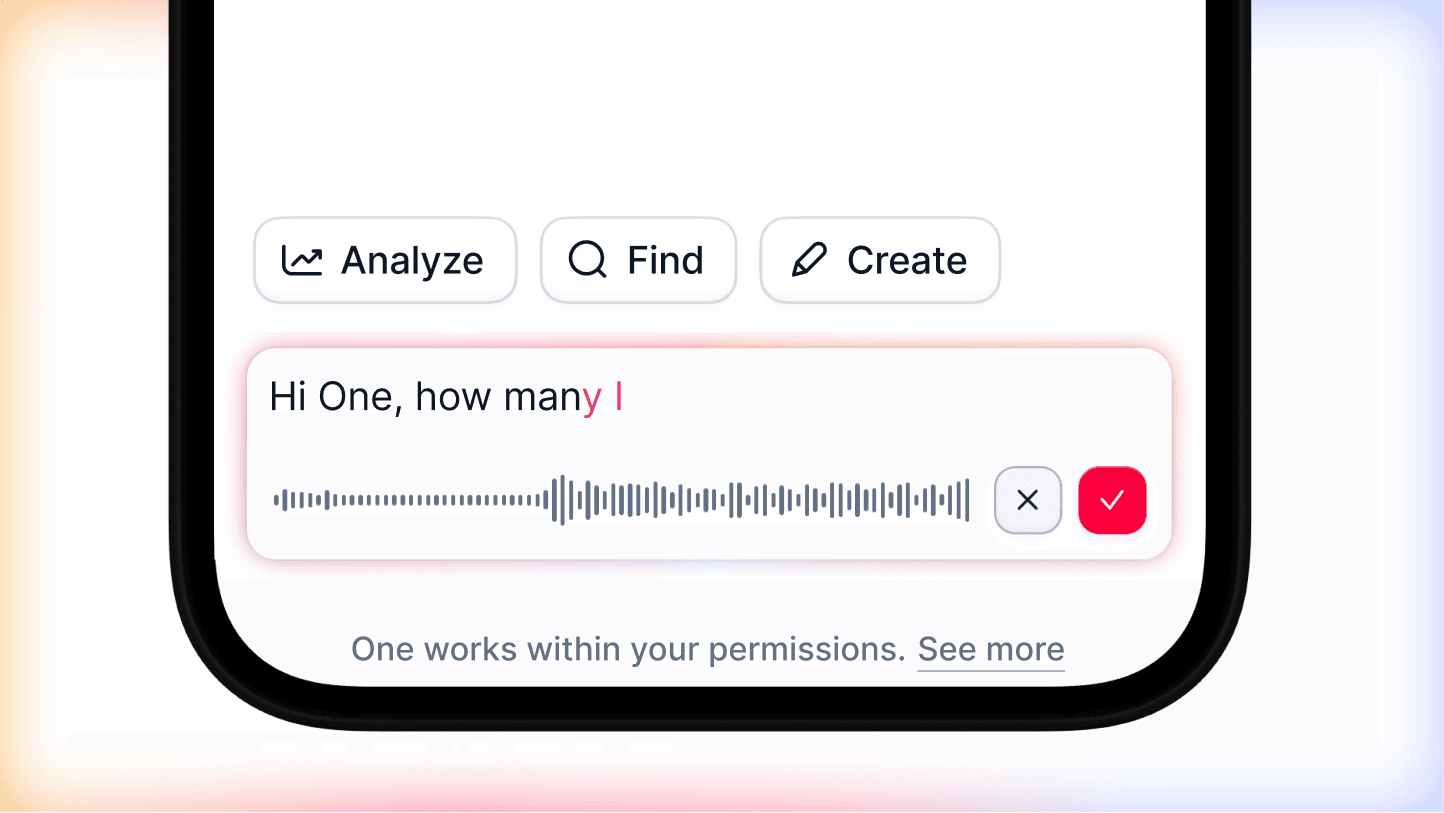
Dictate and polish — speak your text, then let Enhance refine or translate it for you.
One button, everywhere you write — so clear, professional communication is never a bottleneck.
⚙️ Admin note: The Enhance Button is enabled for admins by default. To give access to managers or employees, go to Settings and adjust permissions by role or group.