Stop typing — just speak to One
Typing out every request slows you down, especially on mobile. Now you can just speak, and One turns your voice into a ready-to-send prompt — quicker questions, less hassle, in your own language.
You know precisely what you want to ask One, but typing it all out — on a tiny screen, between meetings, or in another language — isn't ideal.
Thanks to voice dictation in One, you can:
Speak instead of type: Tap the microphone icon and talk. One automatically detects your language, transcribes what you say, and turns it into a prompt for you to review and tweak before sending.
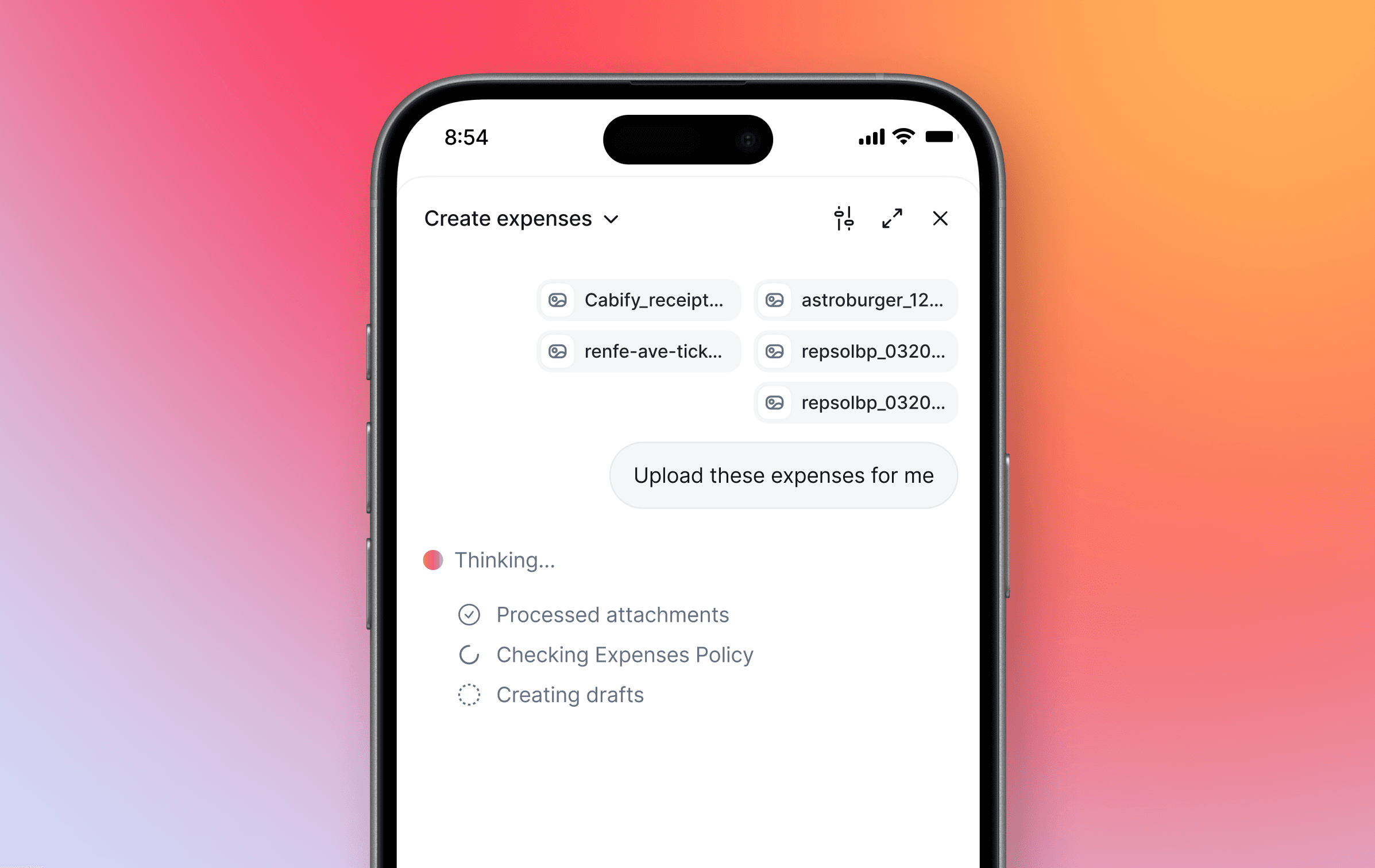
Talk while on the move: On your mobile, speaking is far quicker than thumb-typing. Ask a question, book your day off, or submit an expense — hands-free, wherever you are.
Dictate, then refine: Use your voice and the Enhance Button together. Speak your performance review aloud, and One will polish the tone or even translate it into another language — ready to present to your manager.
Raise a ticket by voice: Just describe the issue and One will match it to the right category, drafting a detailed ticket so the support team has everything they need straight away.
Say what you need, and let One do the rest — no keyboard necessary.