Organise your assets your way
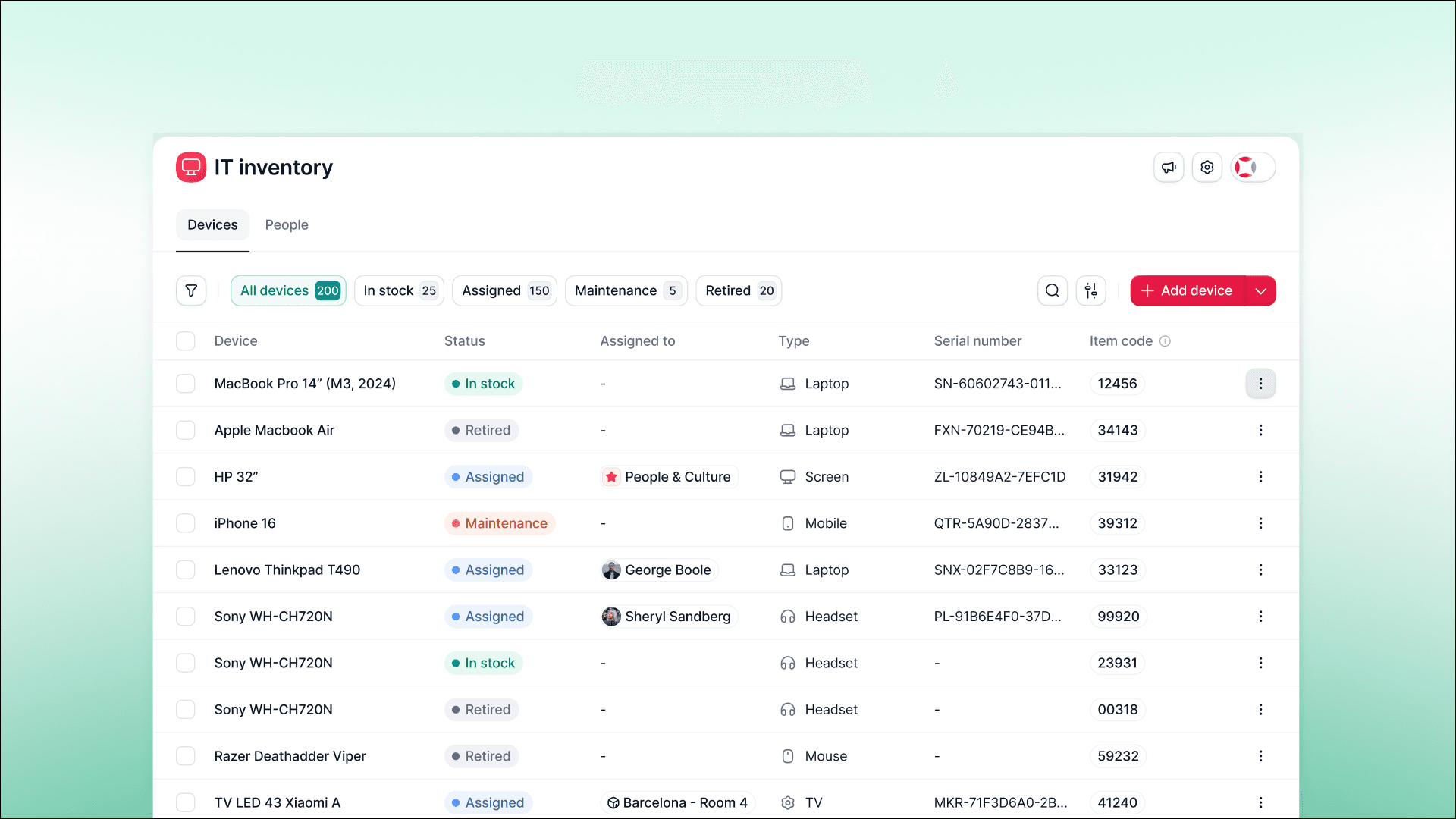
Customise categories and fields directly in the asset form, and group your inventory by model for instant unit counts. No lengthy setups, no endless scrolling.
Previously, you had to use the default groups and fields provided by Inventory. This often meant details like boot sizes tucked away in comments, license plates listed in notes, and scrolling through endless rows just to count your helmets.
Now, Inventory adapts to fit what you track:
Create custom categories: lab equipment, kitchen appliances, event gear—whatever you manage.
Add your own fields: in addition to type, manufacturer, model, serial number, purchase date and warranty expiry, you can include uniform sizes, vehicle number plates, or tool calibration dates.
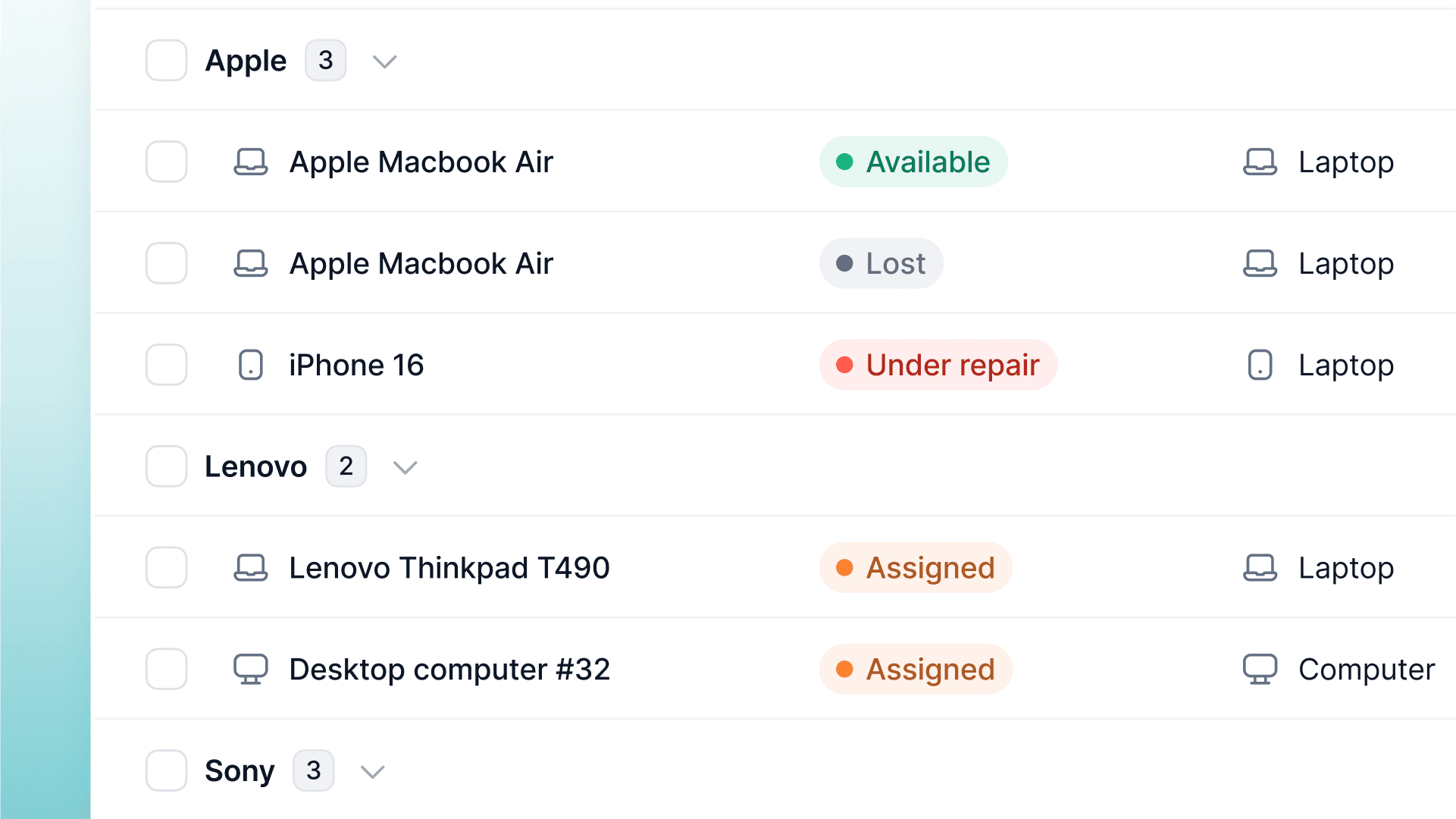
Group by model: quickly see how many MacBook Pro 14", helmets, or drills you own, including their status: assigned, in stock, under maintenance, or retired.
Everything's configurable directly in the asset form, so you can take control and know exactly what you’ve got stocked before making new purchases.